 Puentech
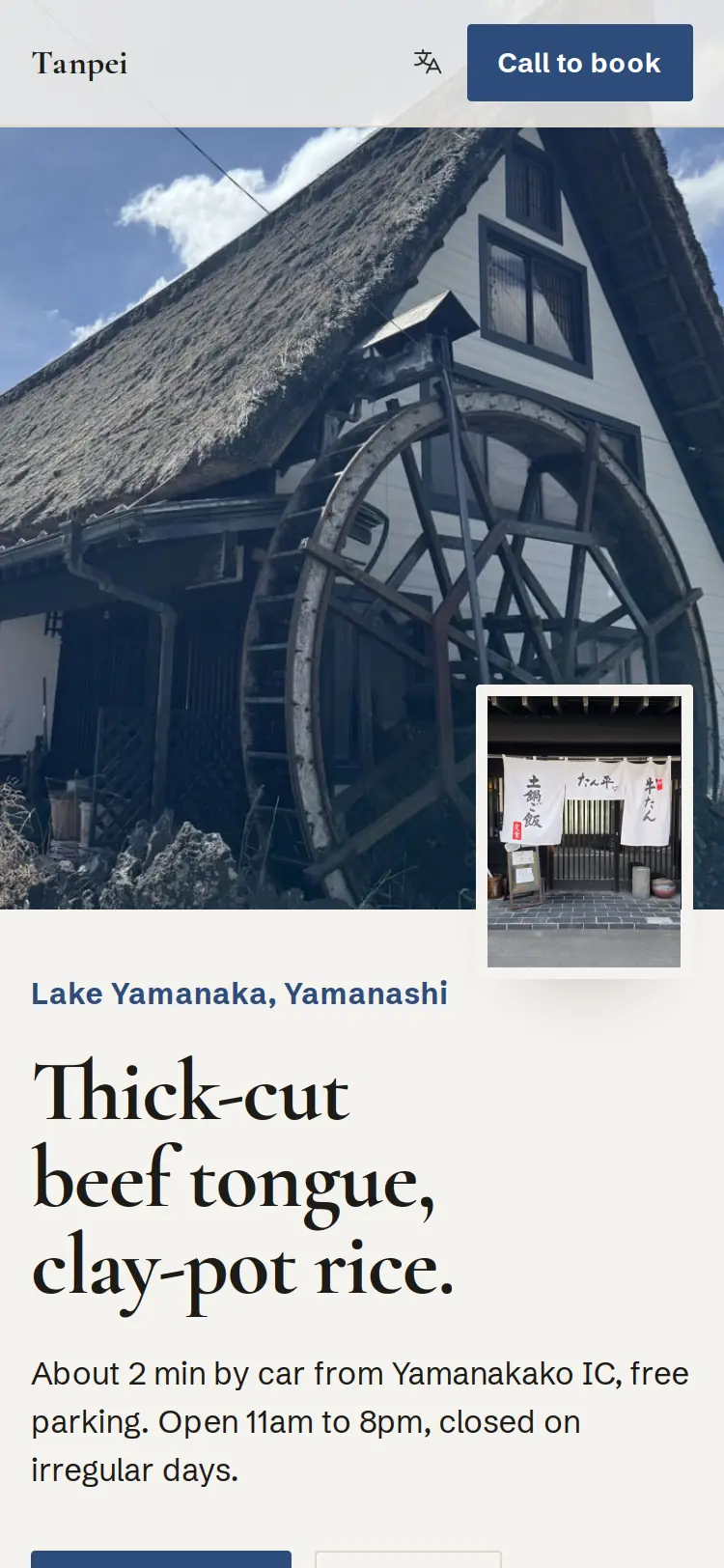
Tanpei
Lake Yamanaka, Yamanashi
Soba and grilled beef tongue by the lake. The site speaks Japanese, English, Korean and Chinese.
tanpei.Website, bookings, QR menu, kiosk, register. For shops in Tokyo and Mexico City. One flat monthly fee, nothing per booking.
0fee per booking or per guest, on bookings from your own site
1flat monthly fee, agreed per shop
13languages on the booking widget
The guest's own booking page answers in 6: English, Spanish, Catalan, Japanese, Korean, Chinese.
Each shop gets its own site on puentech.io or its own domain. Guests call to book from the page; the shop's hours, holidays and photos live in its own profile, not in a portal.
Lake Yamanaka, Yamanashi
Soba and grilled beef tongue by the lake. The site speaks Japanese, English, Korean and Chinese.
tanpei.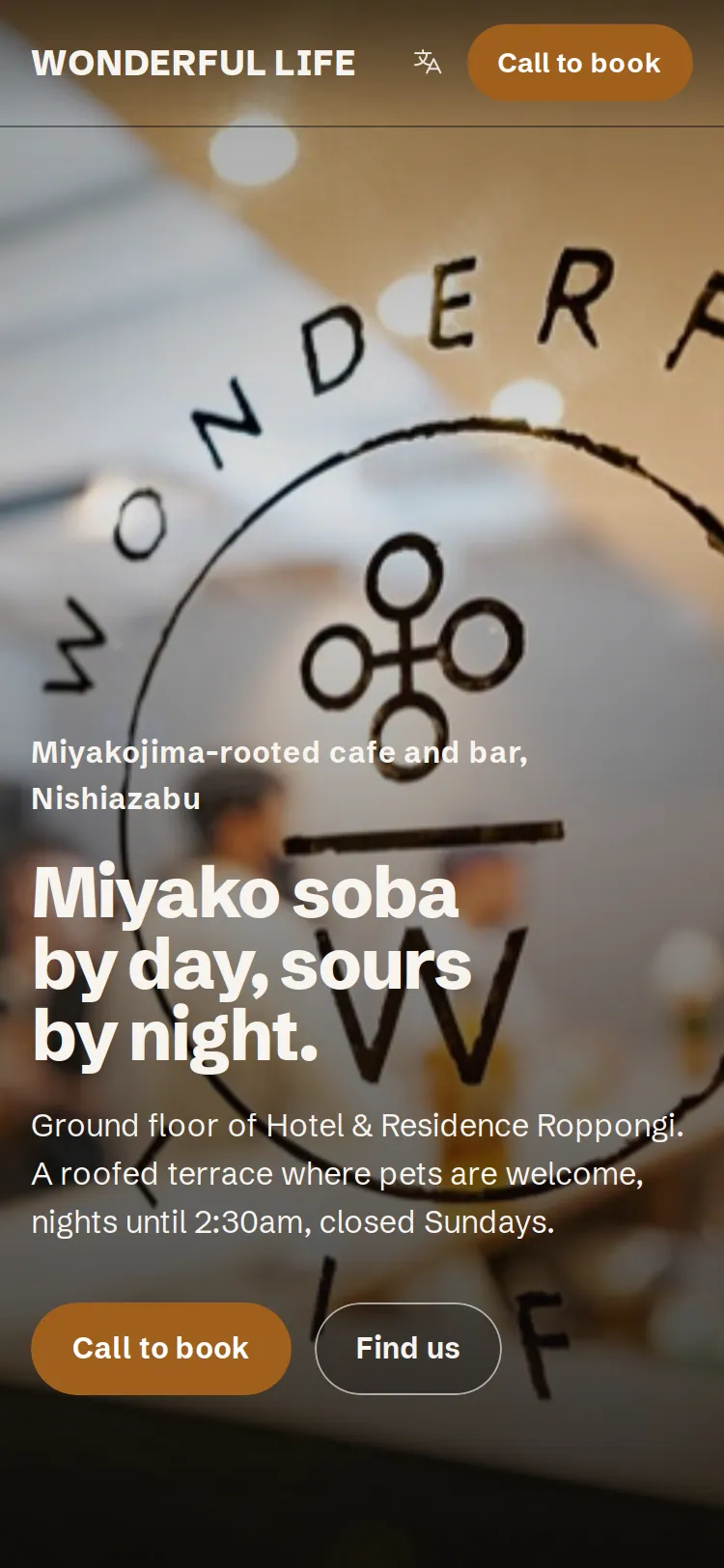
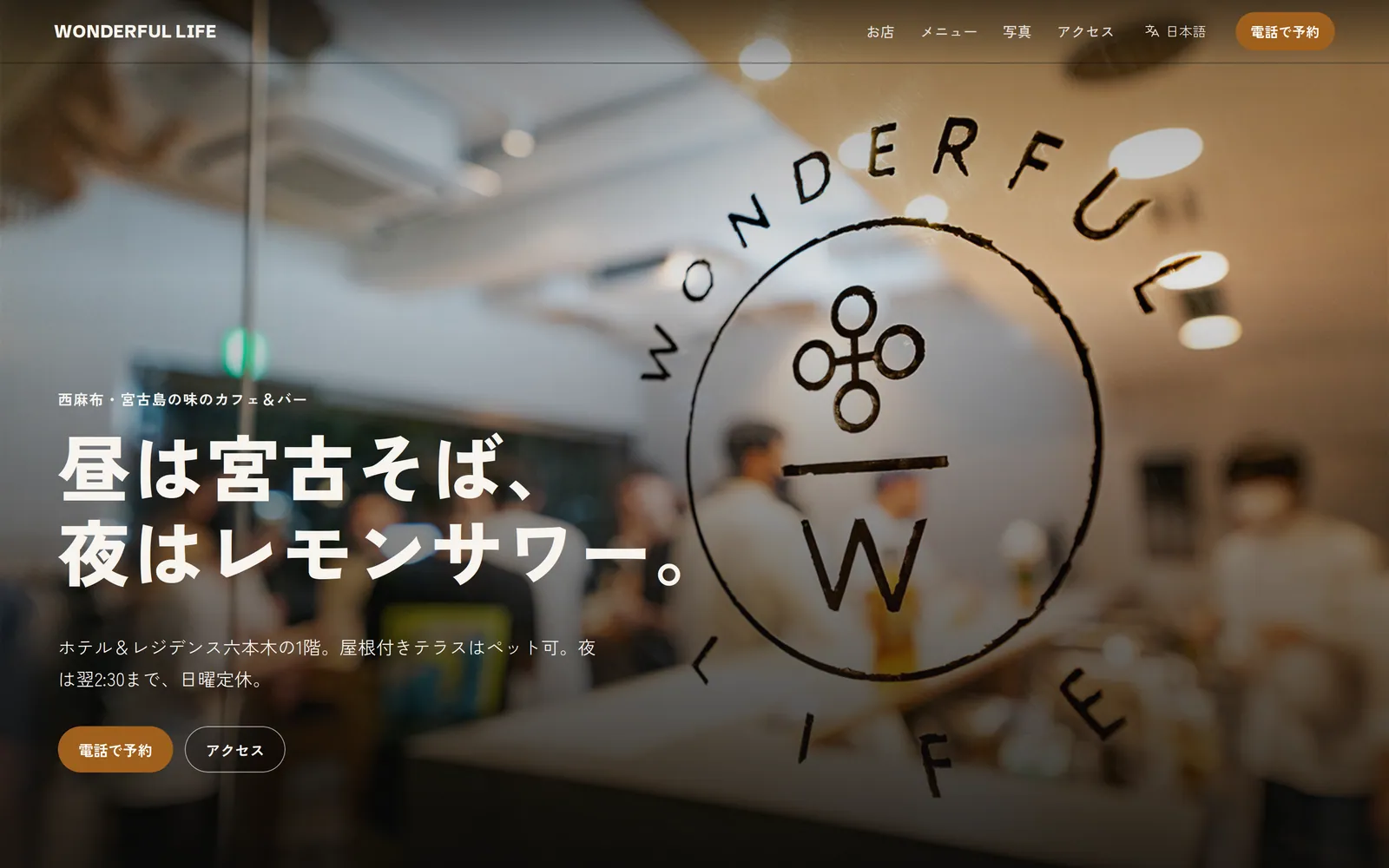
Nishi-Azabu, Tokyo
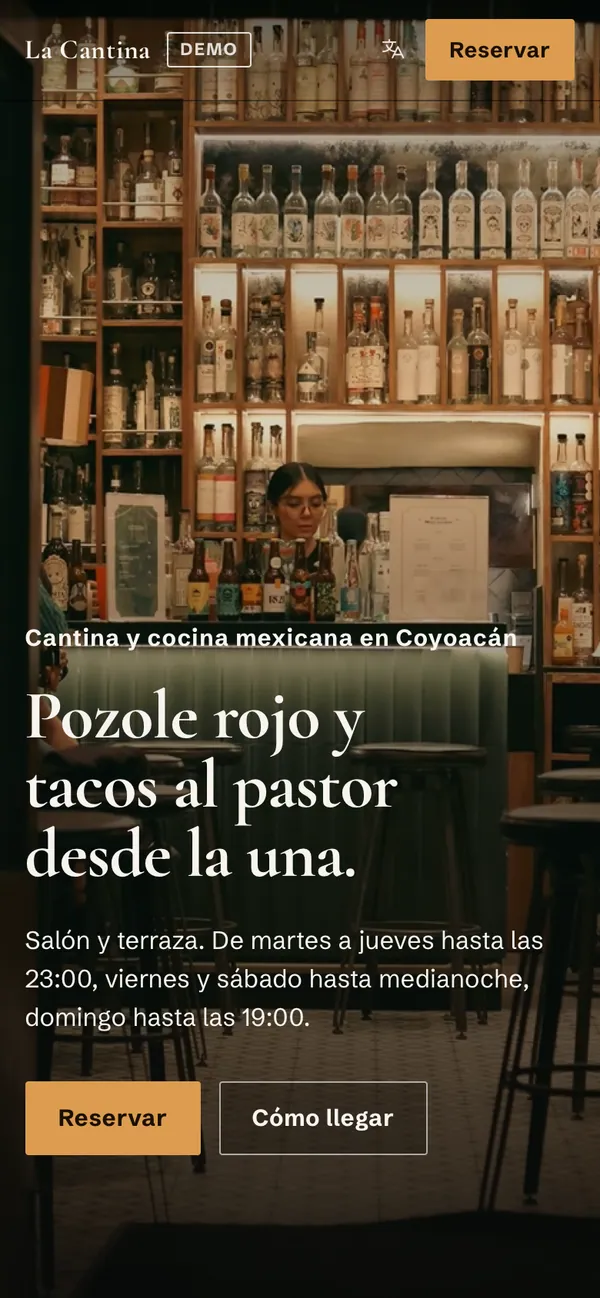
Miyako soba at lunch, lemon sours at night. Four languages, one address, the owner's own phone number on the booking box.
wonderful-Grouped the way an owner thinks about the day, not the way software is usually sold.
Your own site on your own address: hours, menu, photos, map, a booking button, in the languages your guests speak. Sitemap and structured data are built in. One switch publishes it to search engines, and the site counts where each booking came from: Maps, the door QR, Instagram, a chat link.
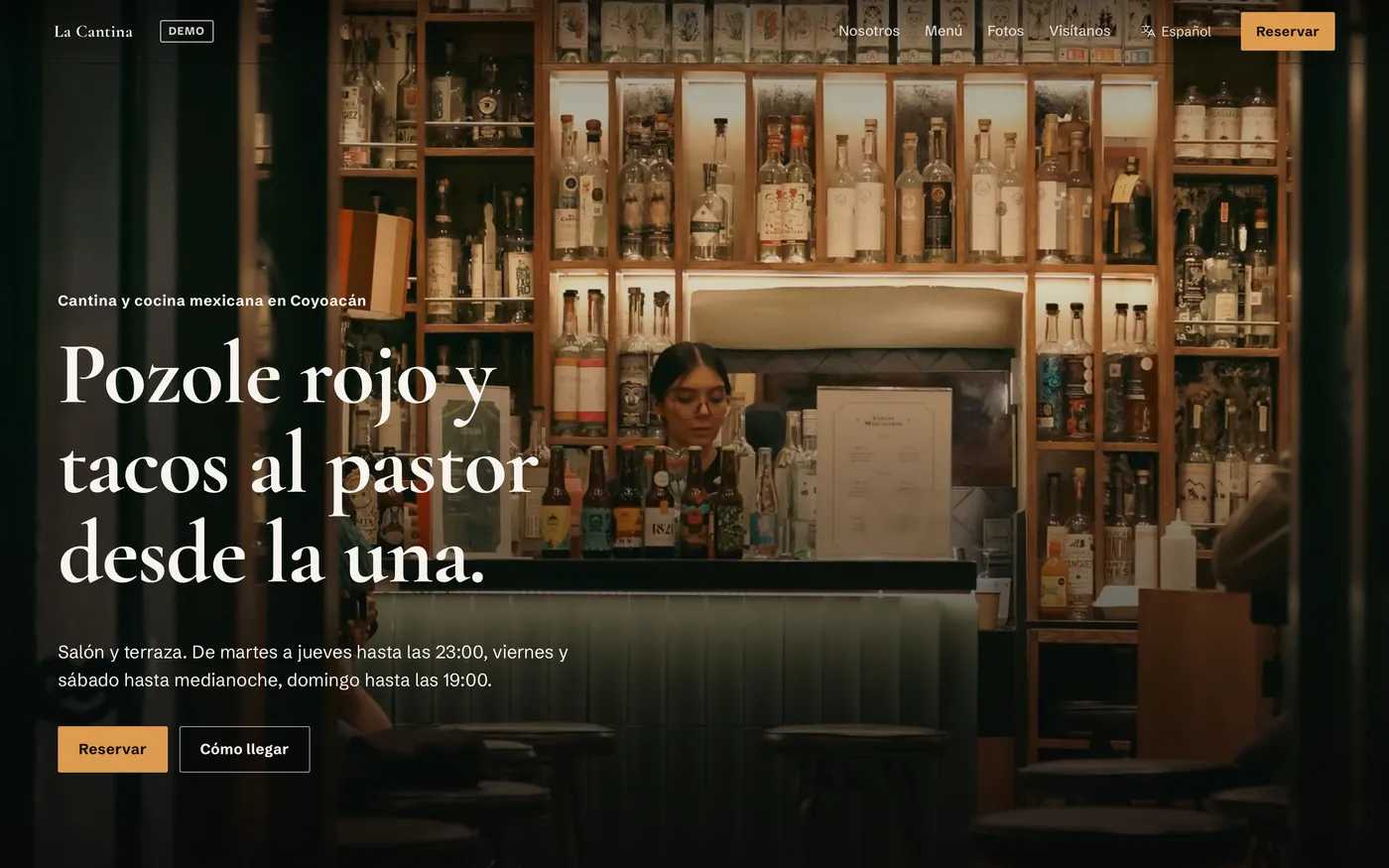
Mexico City demo
A booking widget in 13 languages that shows only free times. Guests view, change or cancel on their own page, in 6. Party limits, closed days, custom questions, deposits through your own Stripe, a waitlist and a walk-in queue with a "your turn" page.
Tokyo demo
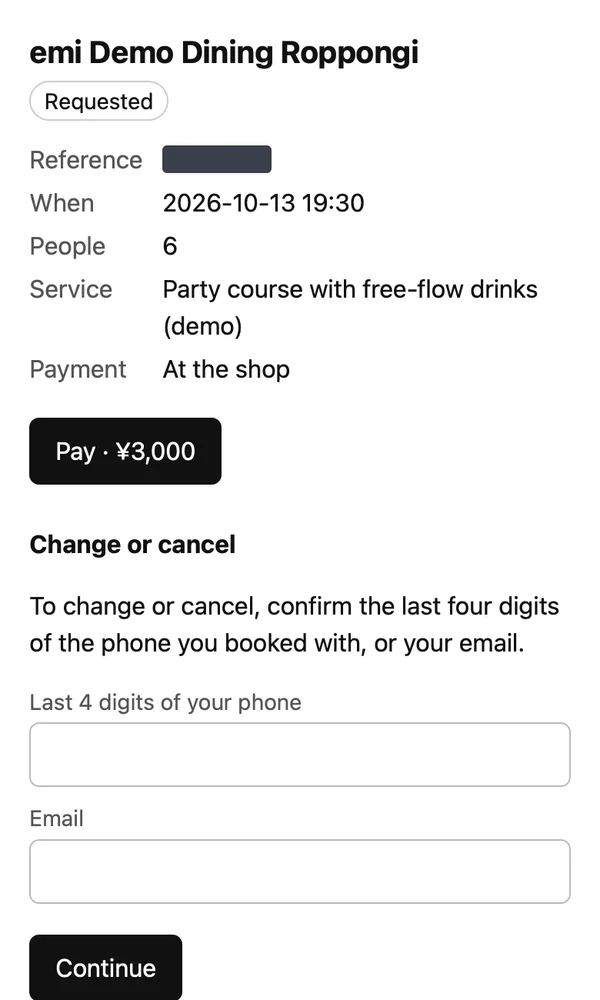
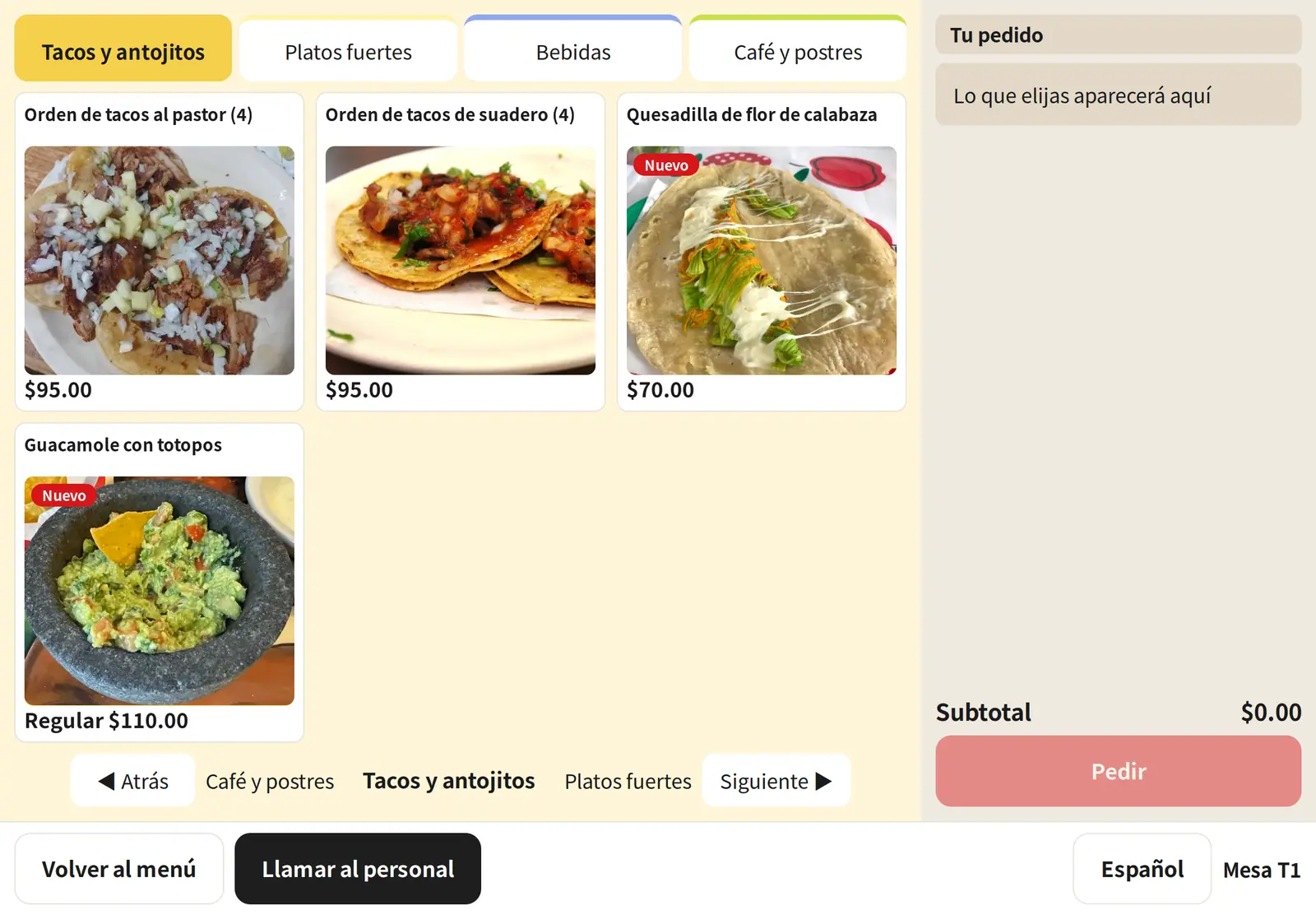
A QR menu per table. An iPad kiosk with photo cards, sizes and toppings, 28 allergen codes and an age check for alcohol. Web orders paid up front with stock held 30 minutes. Events with QR tickets, prepaid passes, stamp cards.
Mexico City demo
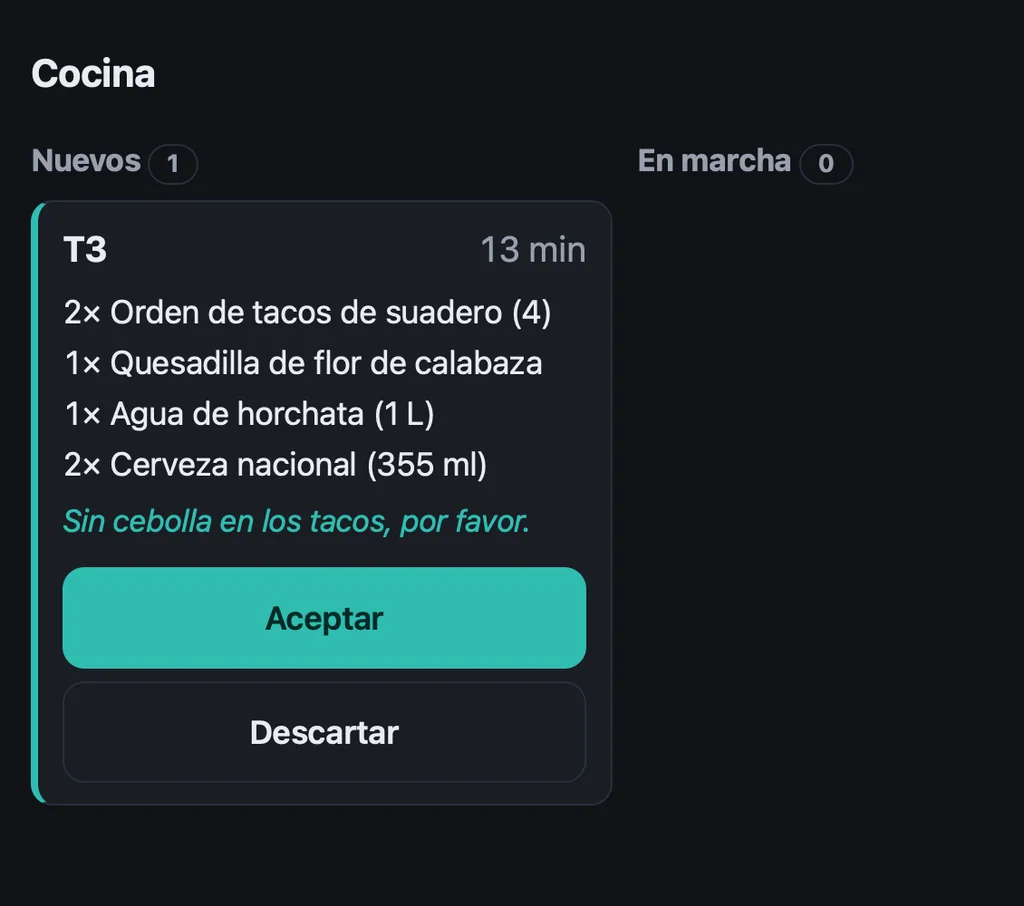
A register on any tablet, no app store. Staff PINs, open tabs, tips, refunds, receipts by link or QR. The kitchen screen chimes when an order lands. A time clock for the team.
Mexico City demo
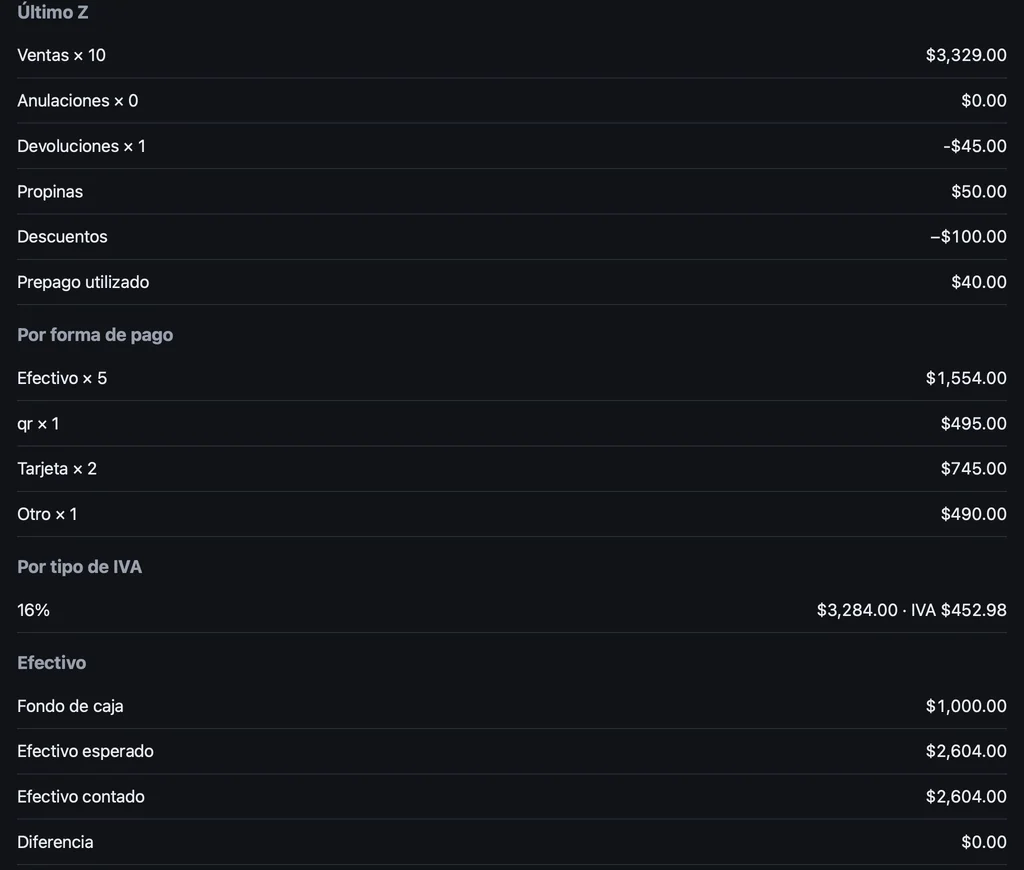
Cash control, a blind count and the Z report. Sales by day, item, staff, tender and tax rate, as a CSV. In Japan, qualified-invoice fields and the T-number. In Mexico, CFDI 4.0 and the factura global. What guests pay goes to the shop's own payment account.
Mexico City demo
The same product from opening to closing. The screens are from the demo shops in Tokyo and Mexico City.
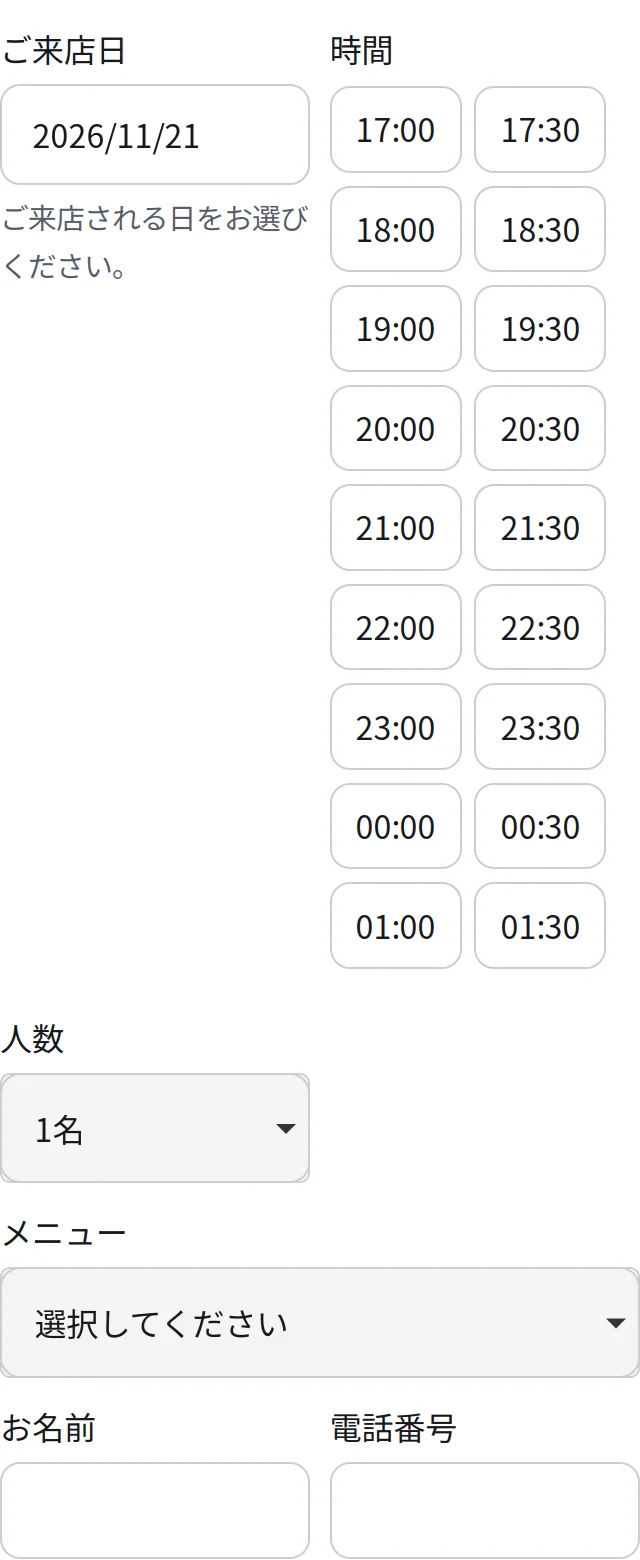
The guest picks a free time on your site and gets a reference. It lands on your phone's Today screen; nothing to type into a ledger.
The menu opens in the guest's language. The order lands on the kitchen screen with a chime, in yours.
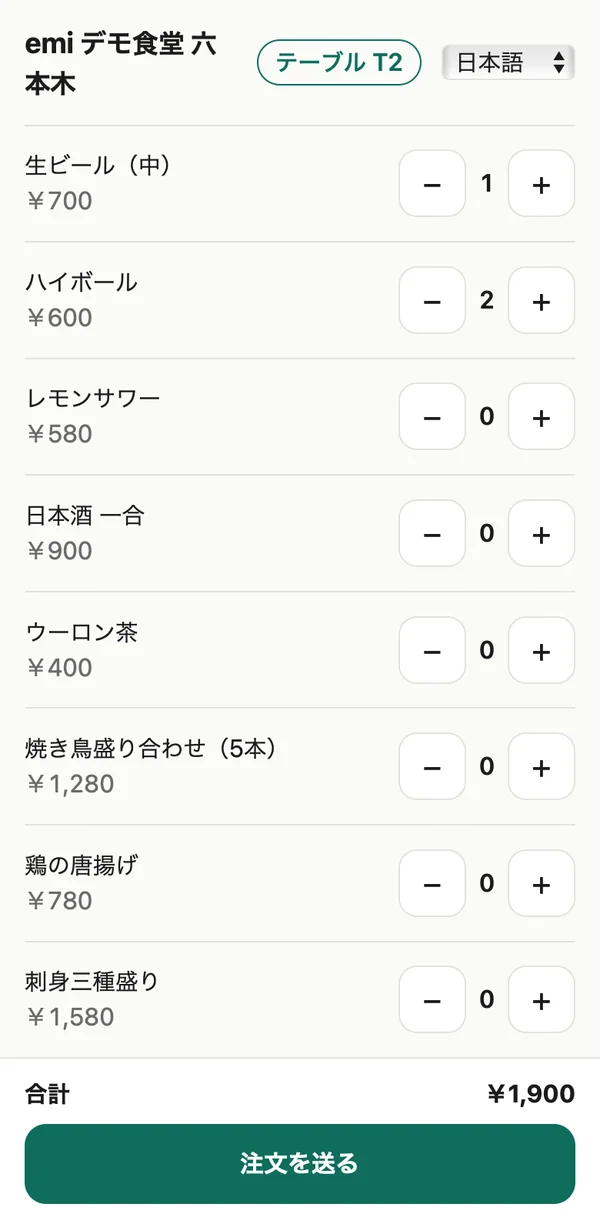
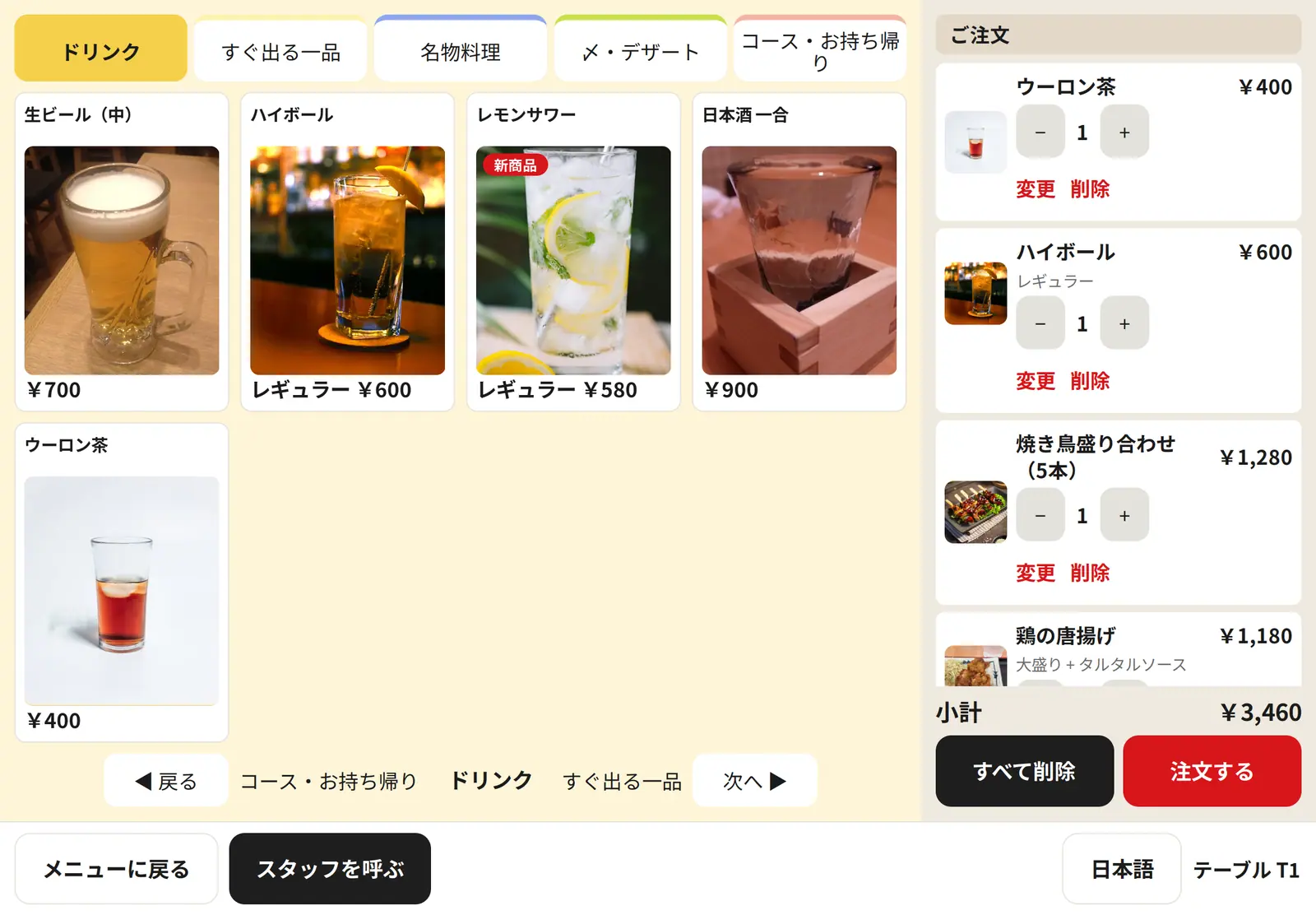
Photo cards, sizes and toppings, allergens, an age check for alcohol. The bill is paid on the guest's own phone through your Stripe account, split by seat if they like.
Sales by tender and by tax rate, tips, refunds, the cash difference. The same numbers reach your accountant as a CSV.
From the booking to the receipt, every guest screen is a plain web page that opens from a link or a QR code.
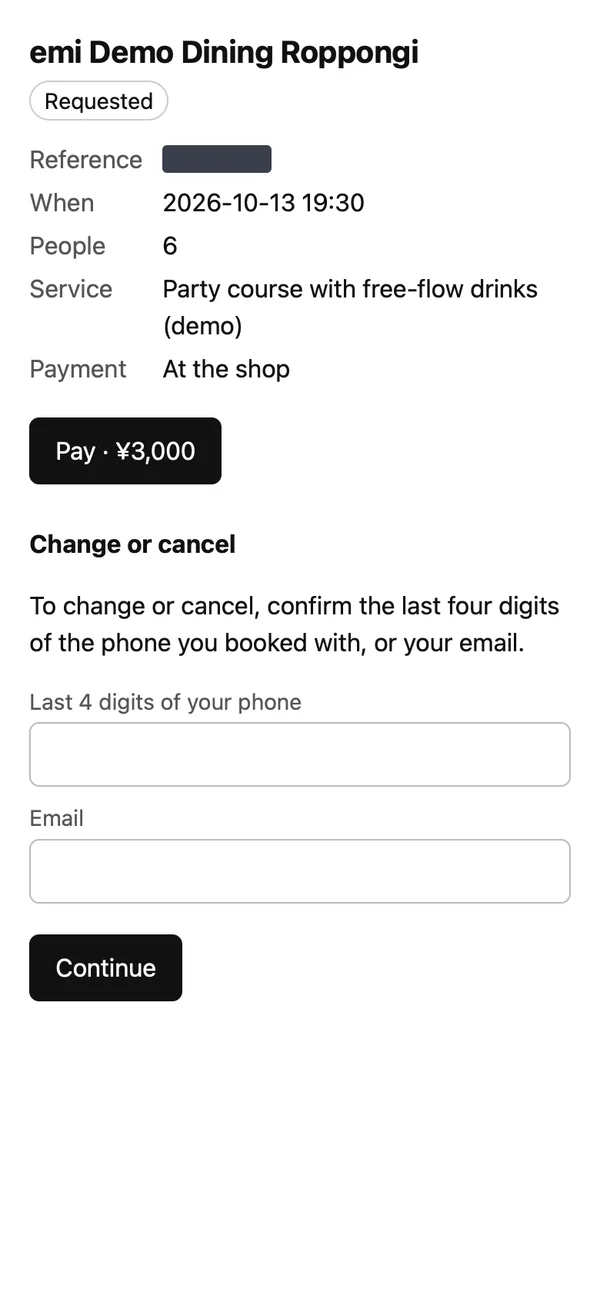
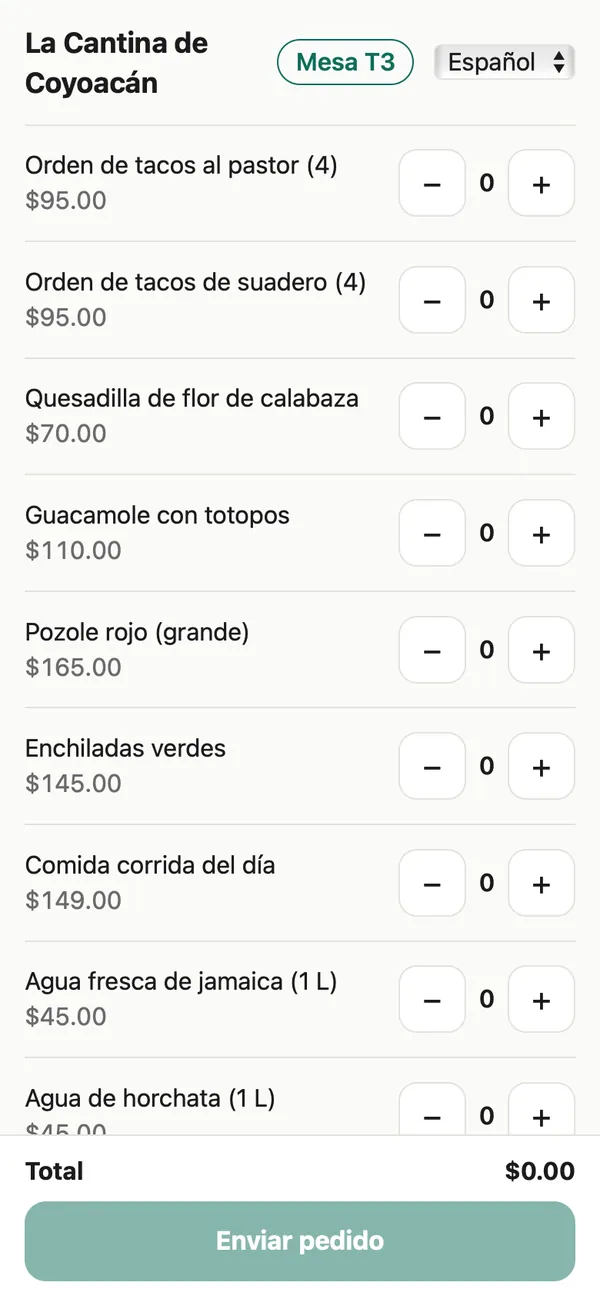
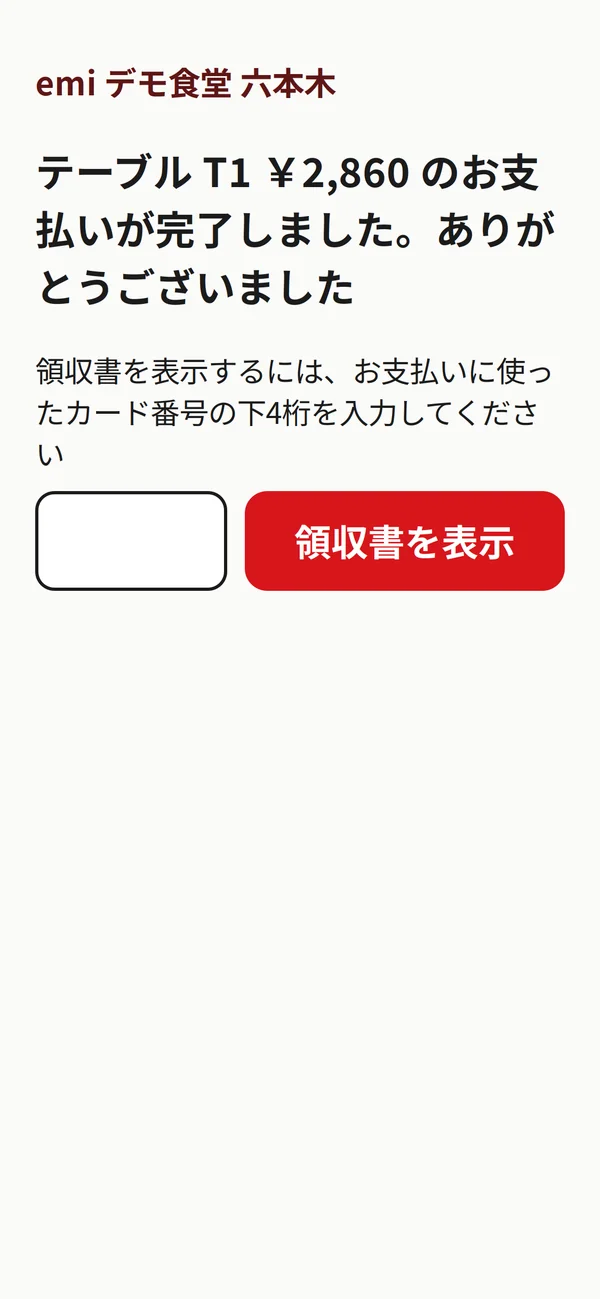
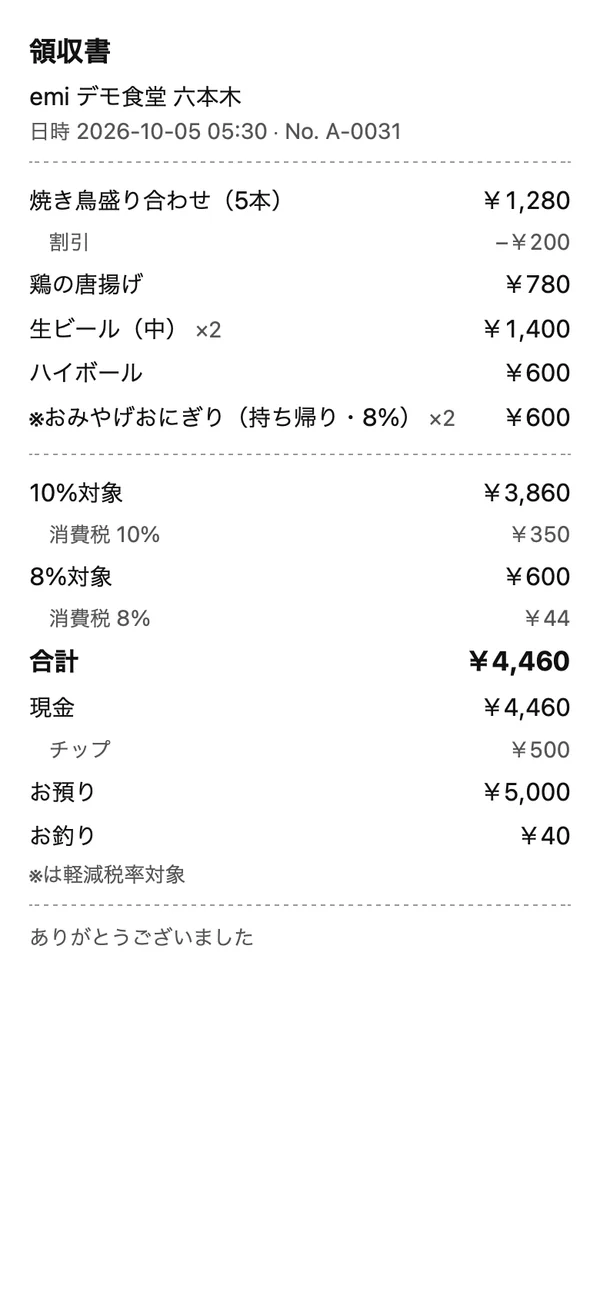
The fee is agreed per shop, once. Nothing on this list adds a line to it.
| The thing | What you may pay elsewhere | With emi |
|---|---|---|
| A booking | Often a fee per booking or per guest, and the portal keeps the guest's details. | No fee per booking or per guest. The guest's details stay with you. |
| A card payment at the table | Often the vendor's own terminal, settled to you later. | Paid on the guest's phone through your own Stripe account. |
| The menu online | Often a module, sometimes priced per branch. | Included, in up to 13 languages. |
| The tablet at the table | A terminal to buy, validated and installed by the vendor. | Any iPad or tablet browser. Nothing to install. |
| The link guests see | The vendor's domain, with the vendor's name in the footer. | Your own domain, or your name on puentech.io. |
| The guest list | Kept by the portal. | Yours, with consent on record and an export any time. |


In build, not sold yet: social posting for the shop, and staff schedules.
Your message reaches Puentech and our partner in your market: Kenta in Tokyo, Carlos in Mexico City. They look at your shop and write back in the language you choose. The fee is one flat monthly amount, agreed with you for your shop, with no commission per booking or per cover.
We write back in the language you chose. In Japan that is Kenta, in Mexico Carlos. If you pasted a Maps link, we look at your shop first and may send a first version of your site with the reply.
Nothing was lost on your side. Email us instead (the link carries what you typed), or try again in a minute.
Your text stays in the form. Try again when you are back online, or email [email protected].